REWIND
Description
Interaction Design
App Design
Credits
A
nalyse
B
rainstorm
C
D
eliver
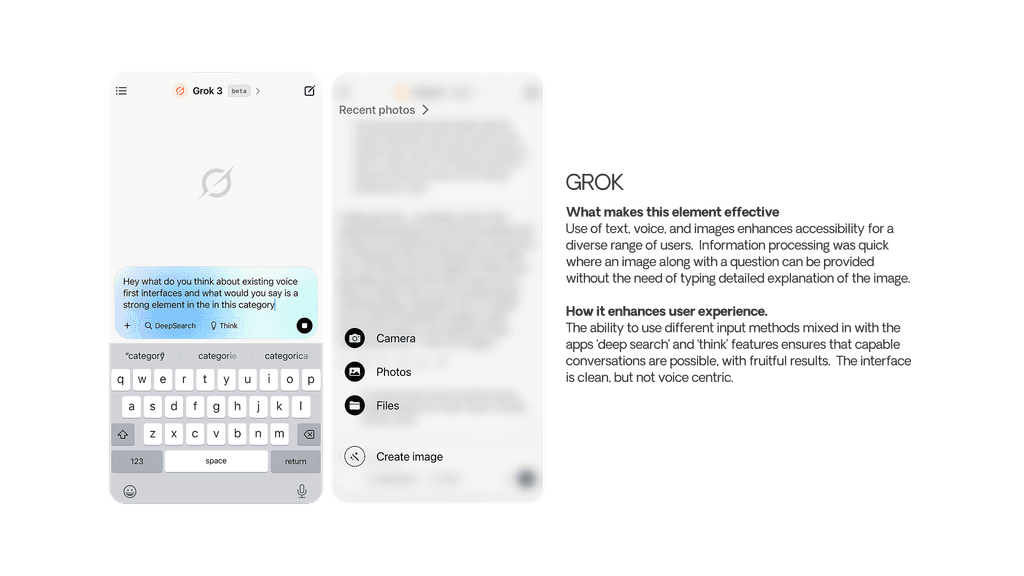
Market GUI Research
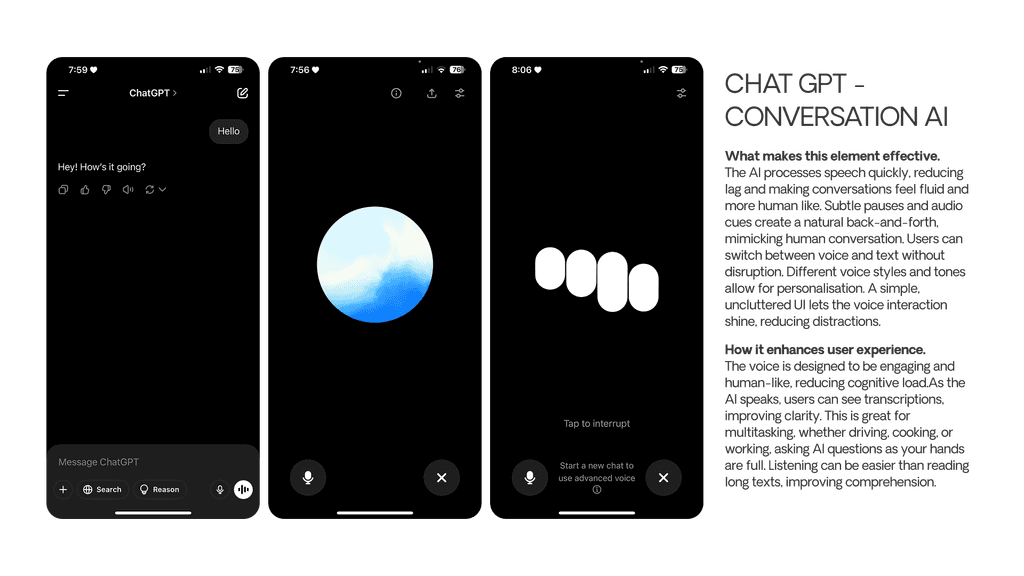
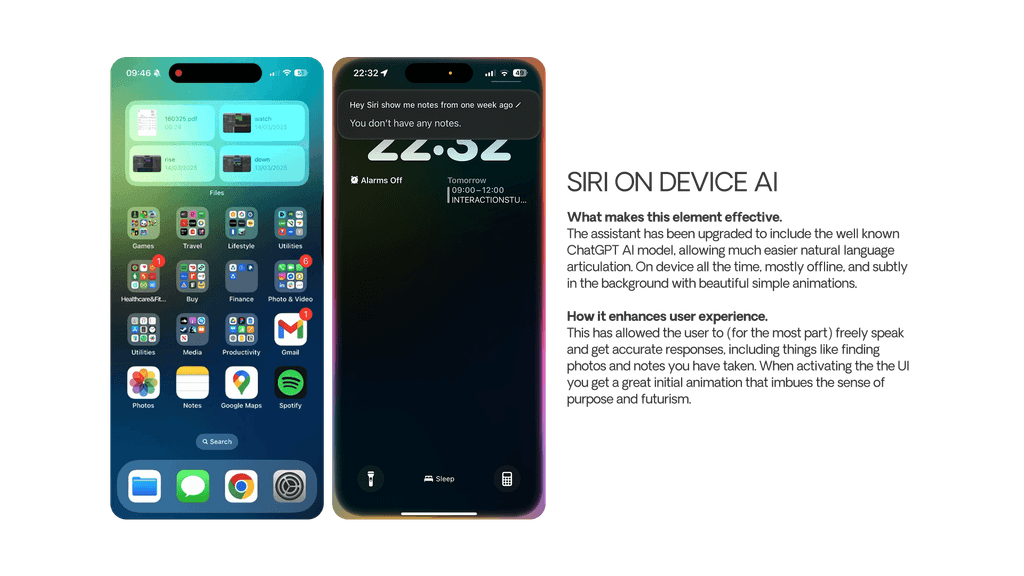
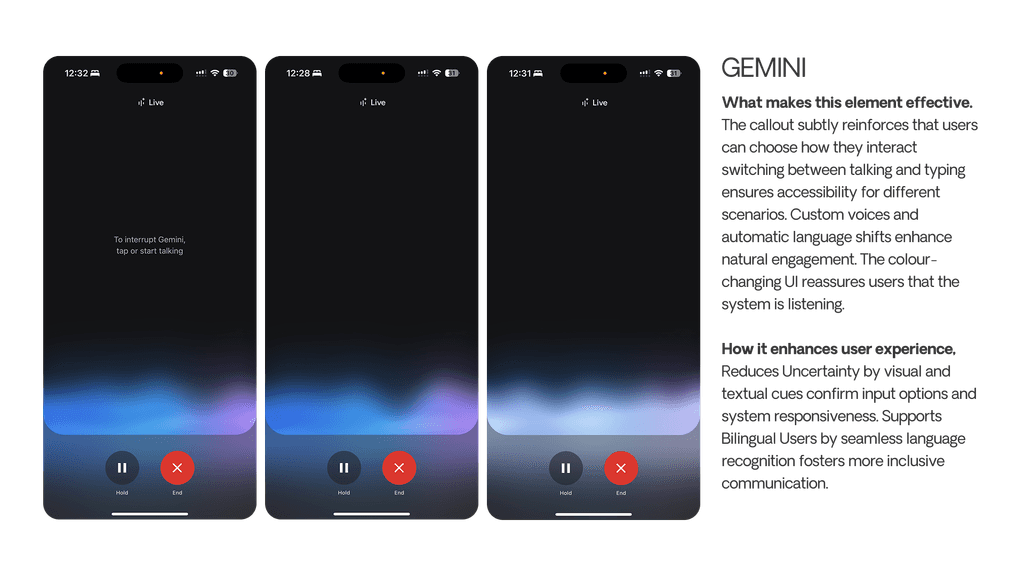
An overlook of several AI companion apps. What do they do and where can I gain inspiration?
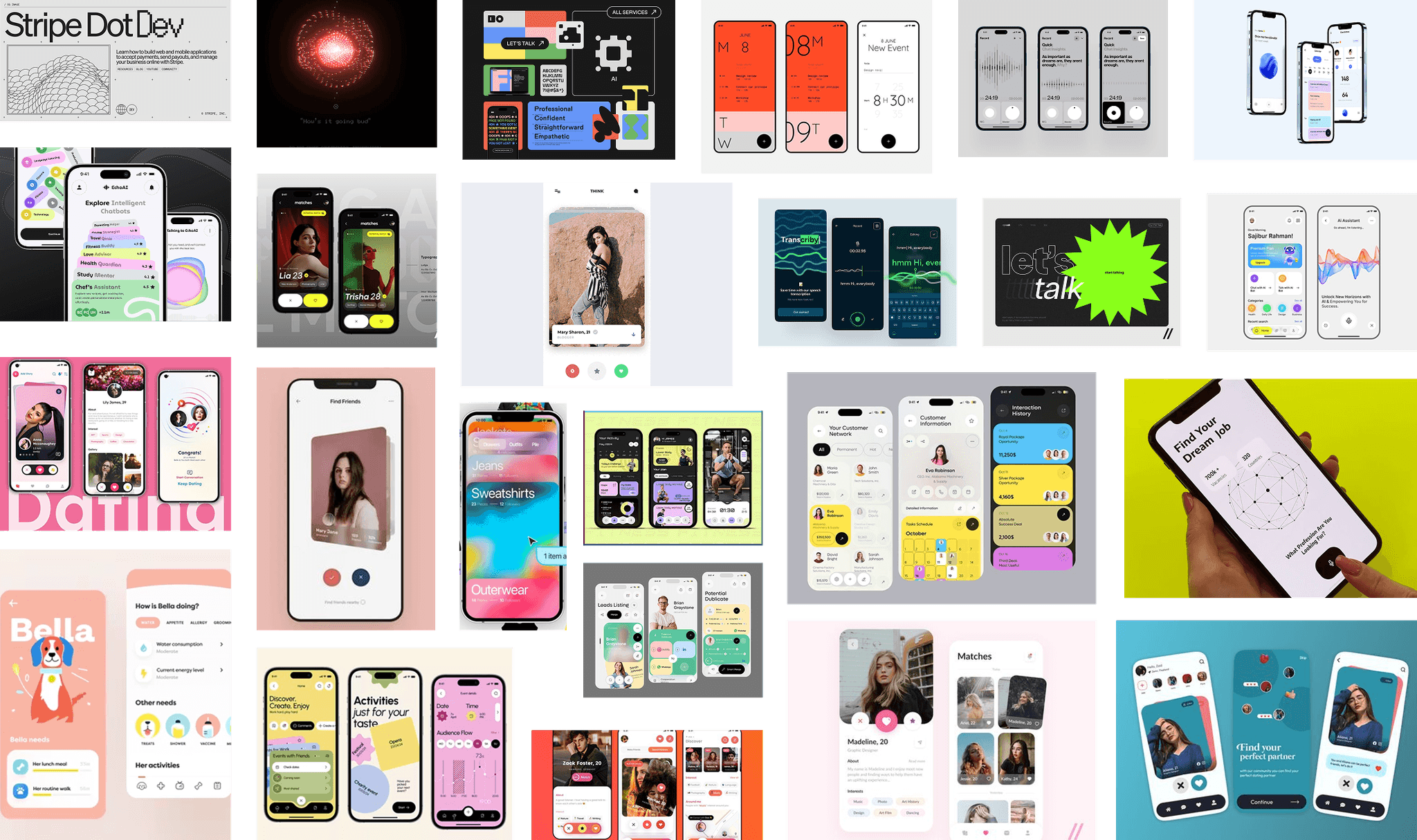
Mood Board
A mix of apps where the UI showcases design elements I find interesting, as well as colours, typography, and themes. Dating apps were of special relevance to my design idea.
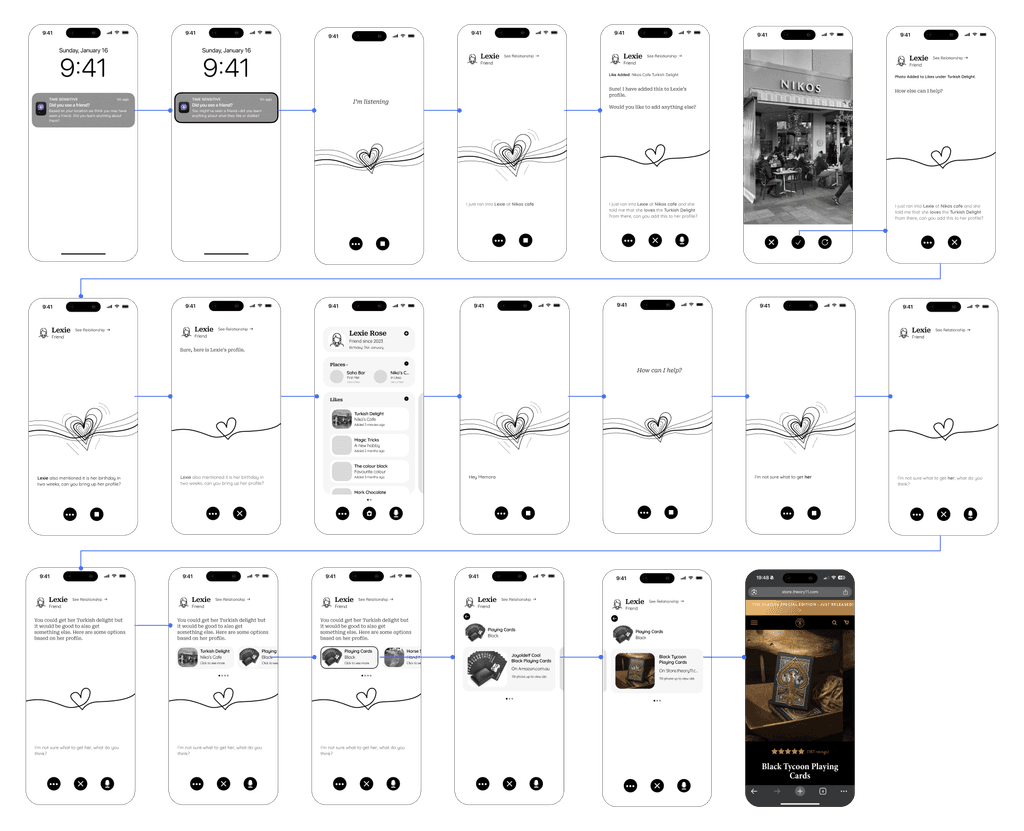
Low Fidelity Wireflow
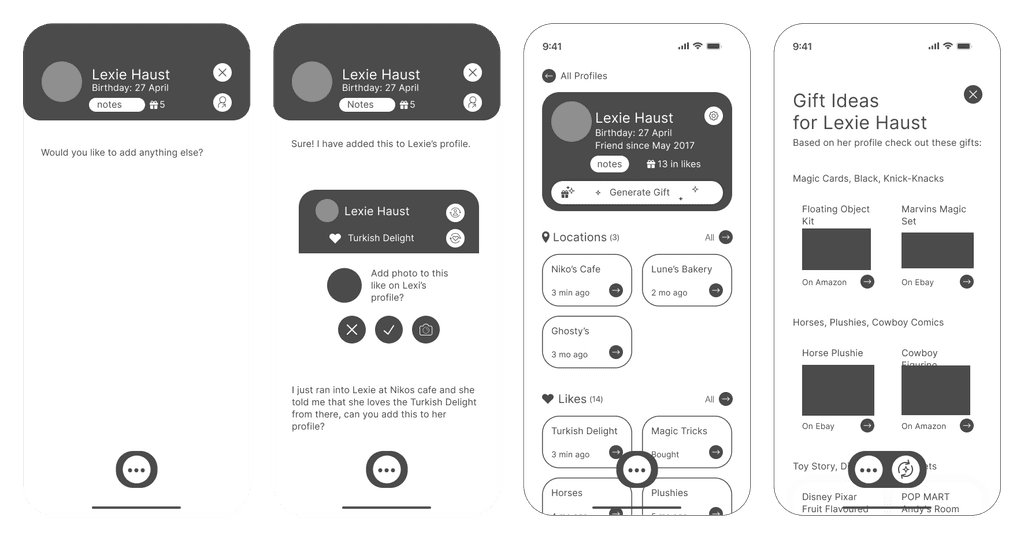
Based on a scenario wireflow, I designed a screen for each scenario, then printed them for user testing, as shown next. The app concept draws on my previous research, aiming to be friendly and inviting through sketchy styles, rounded boxes, and a relaxed AI voice tone.
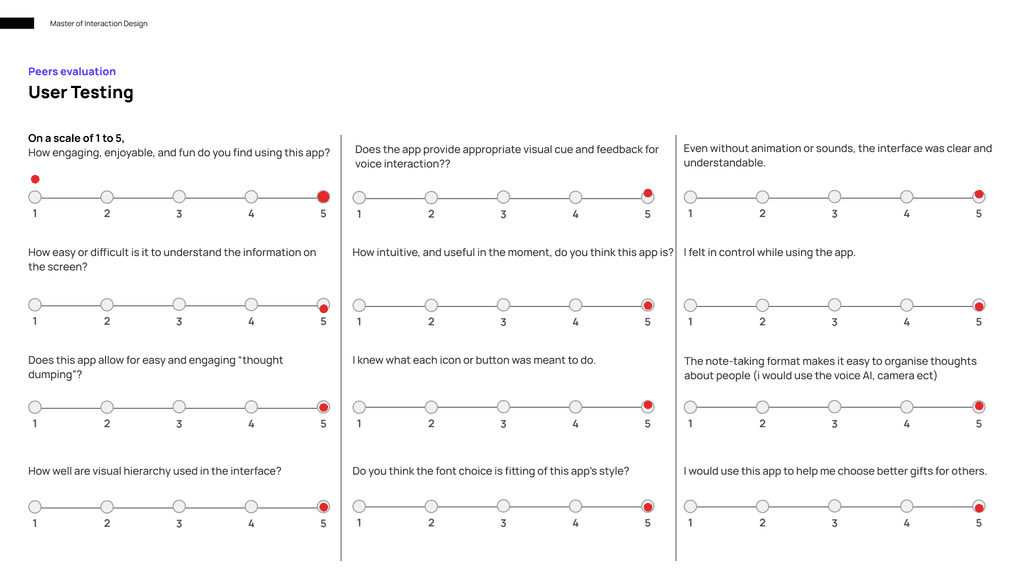
User Testing
I invited a peer with no prior knowledge of my app to participate in scenario-based testing. Using printed UI screens, I asked him to complete a task such as “add an interest to your mother’s profile” to assess the app’s usability. Afterward, he completed a brief survey. Following discussions with peers, tutors, and family, I decided to adopt a new styling approach.
Medium Fidelity
The new design style is easier to navigate—modern, yet comfortable and inviting. All elements follow an 8-pixel grid system, ensuring responsiveness and pixel-perfect precision. Feedback on the updated design was excellent, indicating the next stage is to apply colour, typography, and visual effects such as shadows.
Final Design Wireflow
After thorough user testing, I found that the styling needed an overhaul to better ctare for my audience. It needed to feel modern, yet comofrting. It needed to showase the emotion of love as this is a gift giving app, but not to the point where some people would feel it is romantic. The app
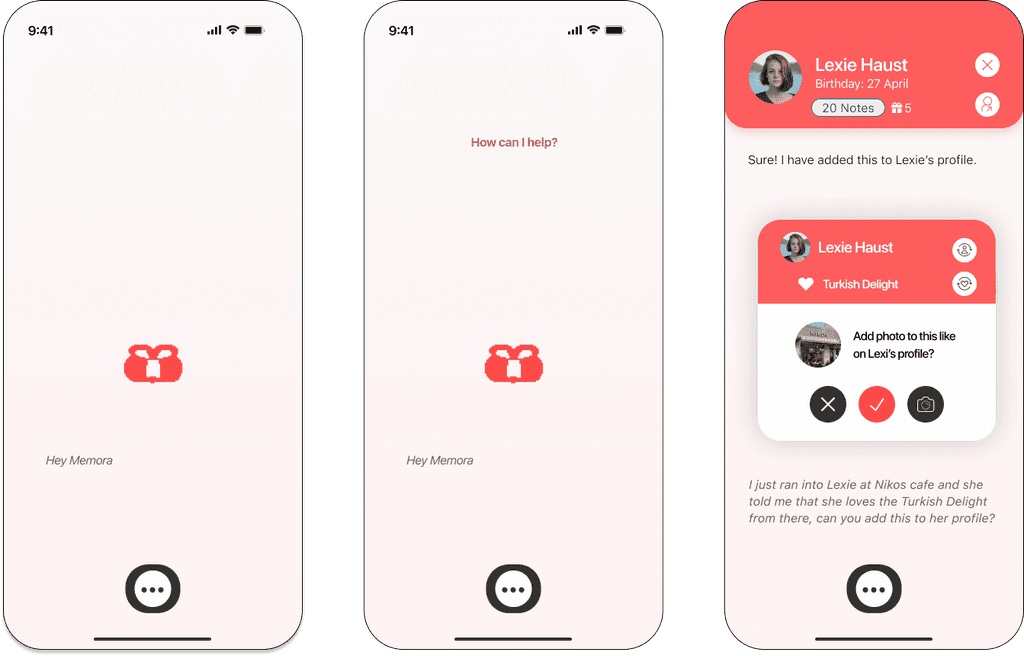
Starting a save
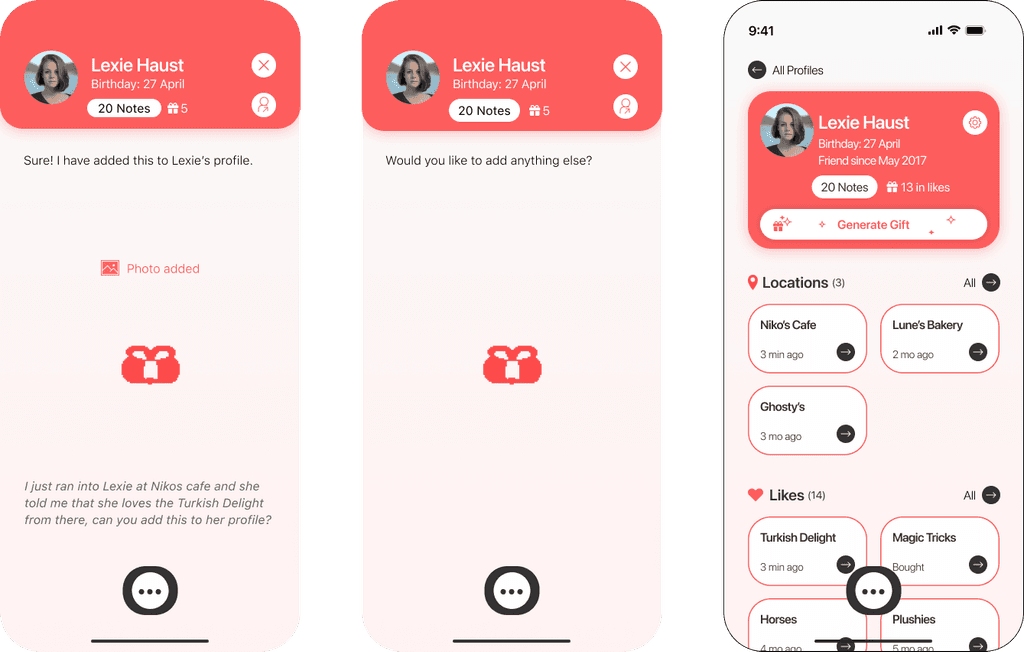
After launching the app with the command “Hey Rewind,” the user is prompted to input data. In this case, they add a ‘like’ discovered during a coffee catch-up with their friend Lexie.
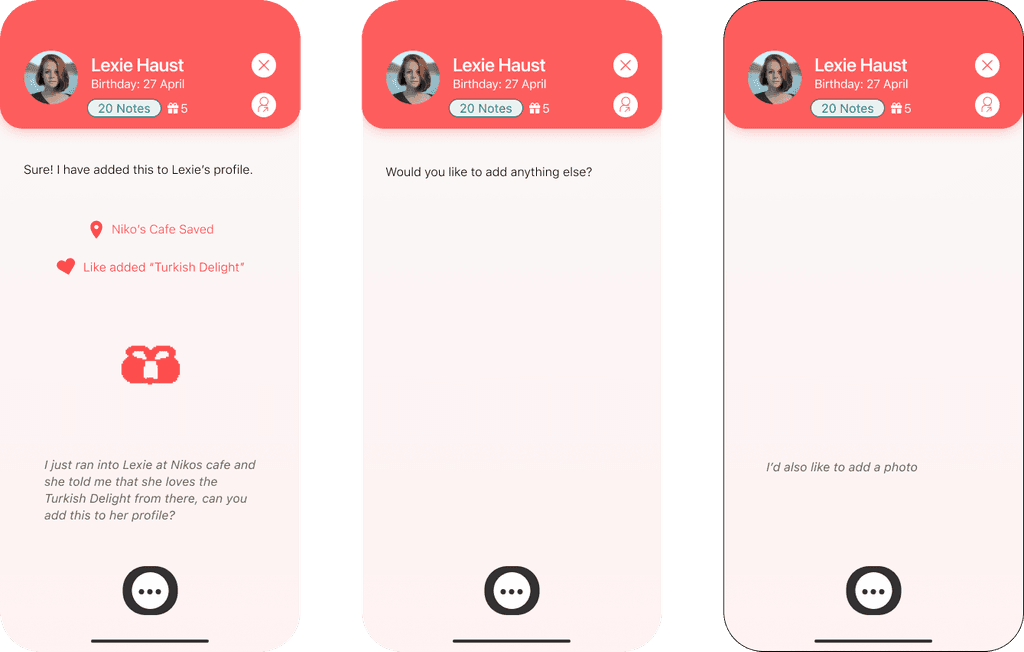
Add to a profile
After accepting the recorded ‘like,’ the user is prompted to continue speaking. Since Lexie was mentioned, the app keeps her in context, allowing the user to add more details, view quick important information such as her birthday, or jump directly to her profile.
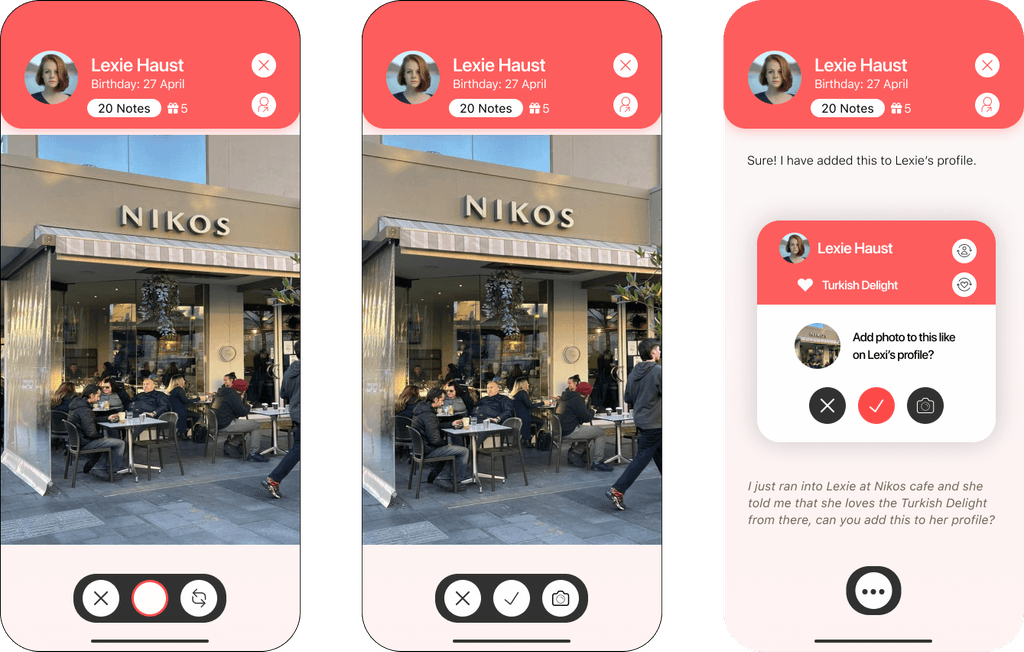
Adding more
To add more context to the recorded ‘like,’ the user chooses to add a photo to Lexie’s profile. After taking the photo, the app prompts for confirmation before adding it to her profile.
Clicking the profile
Once the photo is added, the user notices Lexie’s birthday is approaching. They open her profile to view all the recorded likes, dislikes, and places associated with her.
Generating a gift
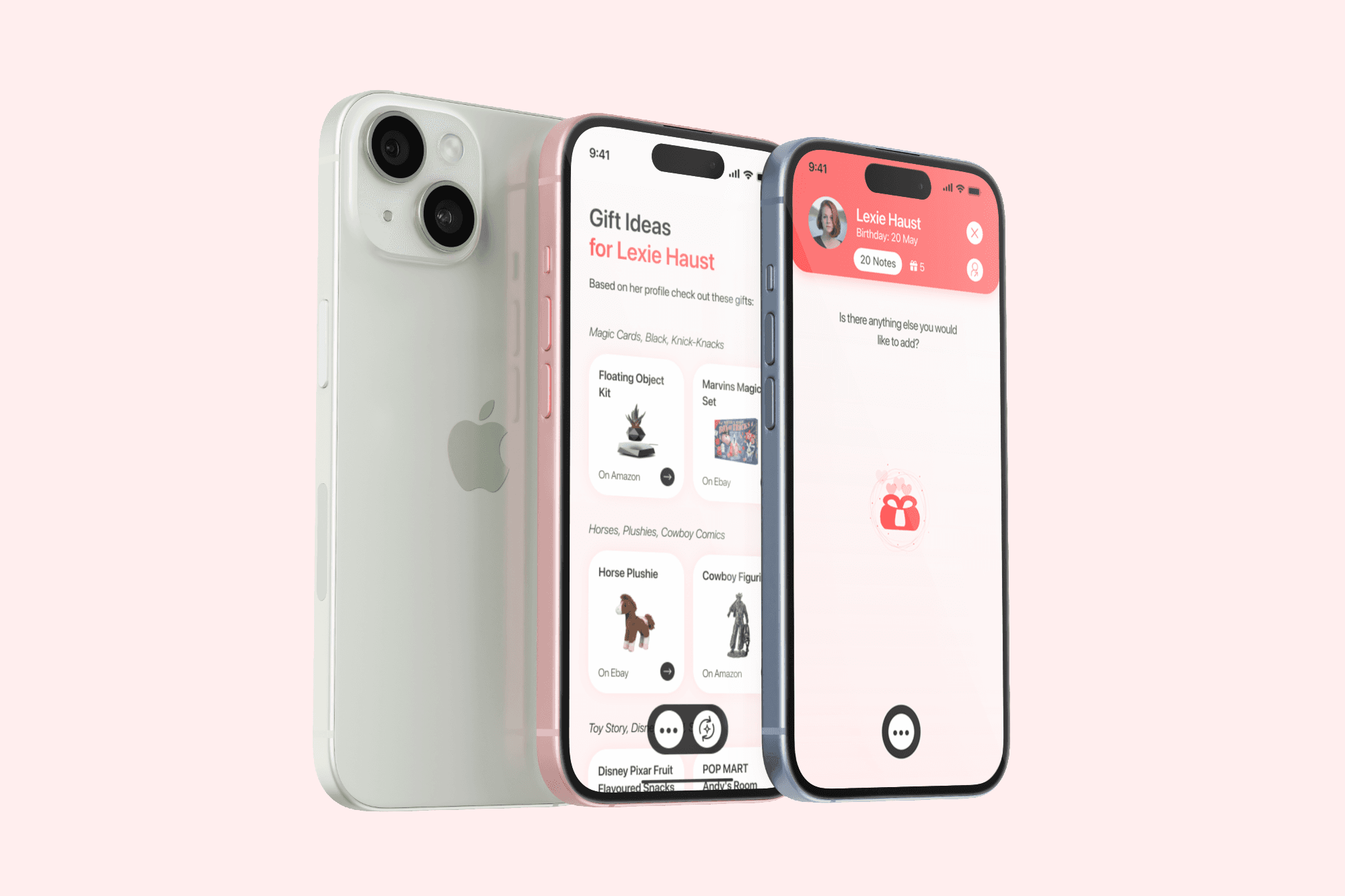
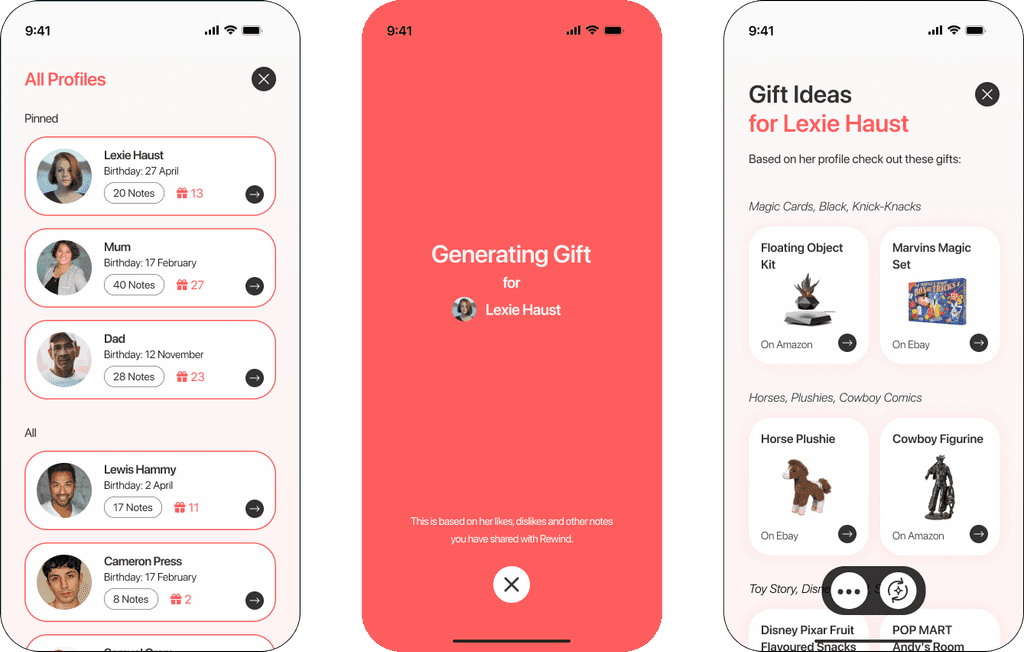
Instead of choosing a gift themselves, the user selects the ‘Generate a Gift’ option, which uses AI to suggest ideas for Lexie based on her profile.
Choosing a gift
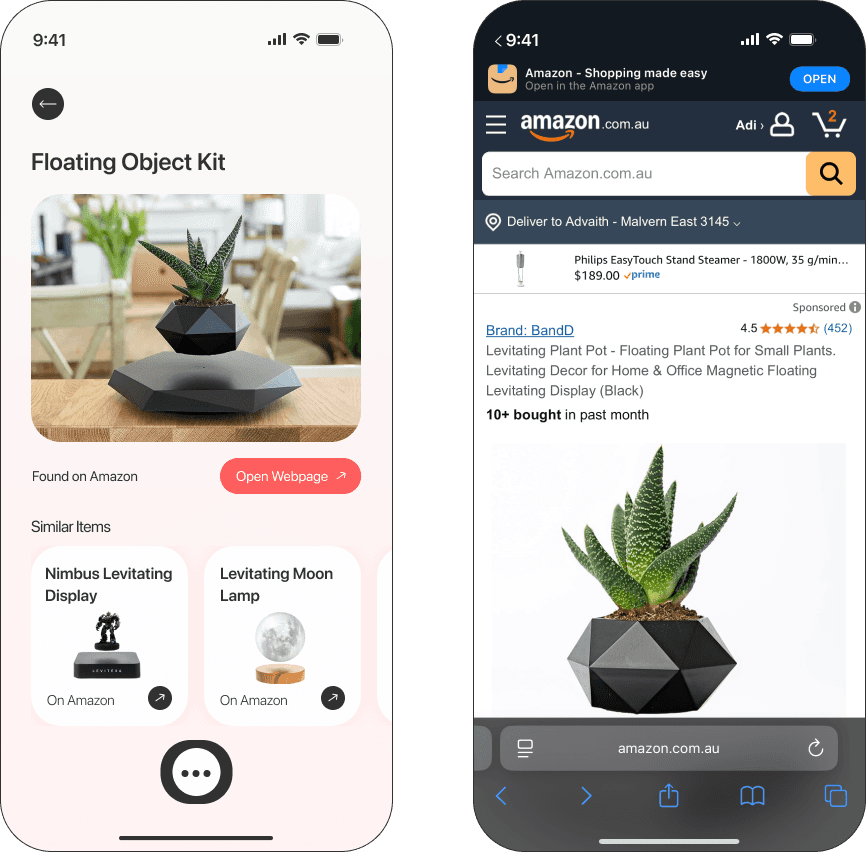
The user selects a gift they believe would be perfect for Lexie. Conveniently, the app provides a direct link to purchase the item, making the process smooth and efficient while ensuring the gift is both heartfelt and appropriate.
Interactive Prototype
See the app in action through Protopie and other software that bring it to life. It responds to my voice in real time, providing a clear demonstration of the app’s capabilities.
Imagine receiving a gift from someone who remembered something you mentioned liking years ago— and they buy you that item or something related. The aim of this app is to make friends and loved ones smile by helping them find the perfect gift every time.